A small desktop printer may cost only a few hundred dollars, while a high-volume Xerox copier can cost several thousand dollars, but toner yield, cost per page, maintenance, and downtime can change the financial picture. Xerox printer prices Lexington KY can vary widely because the cheapest machine to purchase is not always the cheapest machine to operate. For financial controllers, operations managers, and small business owners, the key is to balance capital expenditure (CapEx) against operational expenditure (OpEx) over the equipment’s expected three-to-five-year lifecycle.
The right comparison starts with monthly print volume rather than sticker price alone. A low-volume office may save money with a compact Xerox printer, while a department producing thousands of pages each month may benefit from a higher-capacity machine with predictable service costs. That is why understanding Xerox printing costs requires looking at the entire operating model.
The following guide breaks down hardware prices, toner, maintenance, cost per page, leasing, and break-even volume. It also explains how a desktop Xerox printer vs high volume copier cost comparison can reveal when a larger machine becomes financially practical.
Cost Breakdown: Small Office Xerox Printers
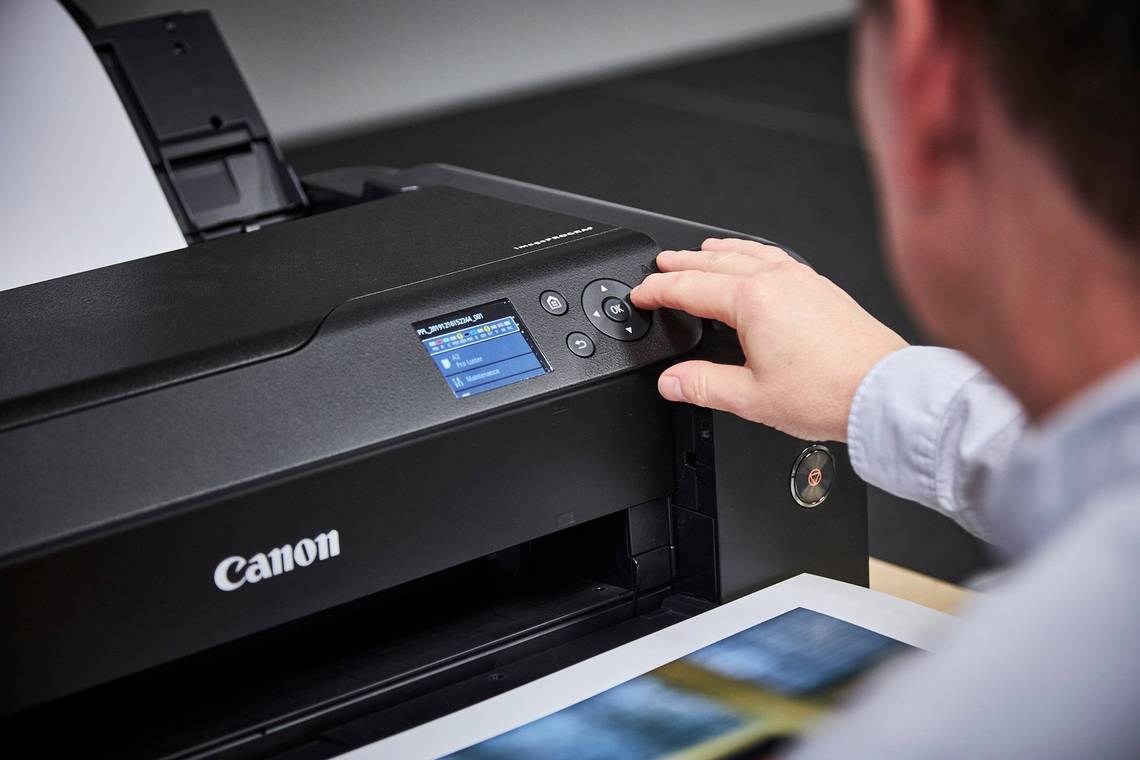
Small office Xerox printers anchor the low end of Xerox printer prices Lexington KY shoppers see, with most models costing $300 to $800. Popular choices like the Xerox C235 and C315 series sit on a desk and print, copy, and scan in one compact unit.
However, that low price comes with a trade-off in running costs. Because these printers use smaller, lower-yield toner cartridges, the Xerox cost per page usually lands between 2¢ and 3.5¢ for black-and-white and 12¢ to 18¢ or more for color.
- Upfront cost: $300 to $800
- Mono cost per page: about 2¢ to 3.5¢
- Color cost per page: about 12¢ to 18¢+
- Maintenance: Standard manufacturer warranty, then pay-as-you-go
- Best fit: Workgroups printing under roughly 2,000 to 2,500 pages a month
Maintenance is also simple, since these units come with a standard manufacturer warranty. Once that warranty ends, though, a major repair often costs more than a new printer, so many owners simply replace the unit.
High-Volume Xerox Models Trade a Higher Price for Lower Running Costs
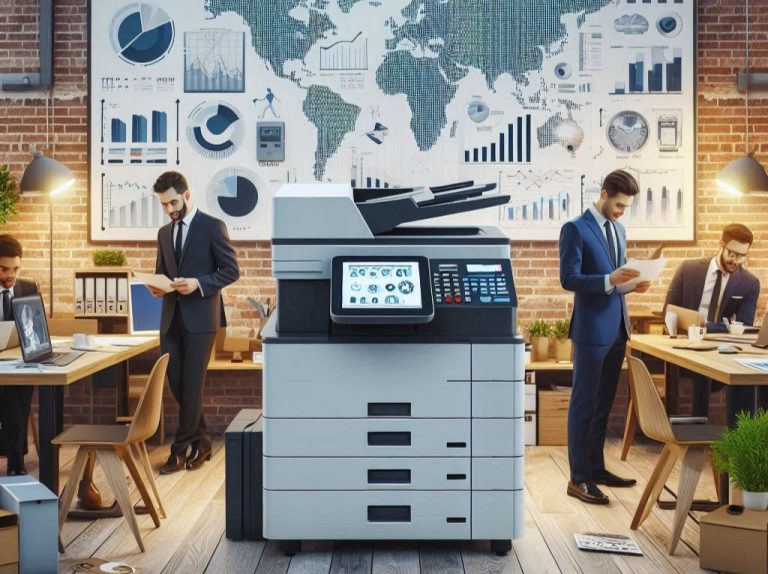
High-volume Xerox equipment requires a larger initial investment, but it is built around a different financial model. Business-class VersaLink and AltaLink equipment can provide higher print speeds, larger paper capacities, advanced scanning, security, and higher recommended monthly volumes than compact desktop machines.
The major financial advantage comes from scale. Higher-yield toner, longer service intervals, and service agreements can reduce the Xerox cost per page, especially when thousands of pages are produced each month.
Where High-Volume Equipment Fits
| Business Need | High-Volume Xerox Advantage |
| 5,000+ pages per month | Better suited to sustained workloads |
| Multiple users | Higher capacity and speed |
| Color-heavy production | Higher-yield consumables |
| Scanning and copying | Integrated multifunction workflow |
| Predictable service costs | Potential managed service agreement |
| Large departments | Greater capacity and scalability |
The desktop Xerox printer vs high volume copier cost comparison becomes especially important once a business moves beyond light printing. A department producing 6,000 or 10,000 pages every month may spend more on toner and replacement equipment if it continues using a machine designed for a much smaller workload.
In that situation, Xerox printing costs should be measured by cost per usable page, not just hardware acquisition cost. The goal is to determine whether the additional equipment expense is offset by lower consumable costs, fewer service interruptions, and greater productivity.
Hidden Costs Beyond the Sticker Price
The sticker price rarely tells the whole story, because several costs appear only after installation. For example, desktop units need separate imaging drums and fusers, while leases may add overage charges when a business prints more than its plan allows.
- Imaging drums and fusers that desktop owners buy separately
- Overage fees for pages above a lease’s monthly allowance
- Paper and staples, which grow with print volume
- Downtime when an overworked desktop unit breaks down
- End-of-lease fees, such as pickup or buyout charges
Downtime is the cost most businesses forget to count. A desktop printer pushed past its recommended monthly volume wears out faster, and every breakdown means lost staff time and rushed outside print jobs.
For that reason, a cheaper printer is not always less expensive to own. When weighing the desktop Xerox printer vs high volume copier cost, finance teams should add these hidden items to the total before choosing.
Calculating the Break-Even Point Before Choosing a Printer
A break-even calculation shows when a more expensive machine may become financially practical. For example, suppose a team prints 6,000 color pages each month and a desktop printer produces those pages at an estimated 15 cents per page, while a higher-volume machine produces them at an estimated 5 cents per page.
At 6,000 pages, the desktop printer’s estimated toner expense would be about $900 per month, compared with about $300 per month at the higher-volume rate. That creates a potential difference of roughly $600 per month before equipment payments, maintenance, paper, and other expenses are considered.
If a high-volume machine carries a $4,000 acquisition cost or an applicable monthly lease payment, the business can compare that added equipment expense with the recurring consumable savings. The actual break-even point depends on the negotiated equipment and service terms, but the calculation gives decision-makers a much better basis for evaluating Xerox printing costs.
Let the Page Count Decide
Xerox printer prices Lexington KY are only one part of the financial decision because the long-term expense also includes toner, maintenance, service, downtime, and print volume. Small desktop printers can make sense for light workloads, while high-volume Xerox equipment can become more economical when thousands of pages are produced every month.
The most useful comparison is therefore based on total cost of ownership and cost per page, not simply the initial equipment price. A careful break-even calculation can show whether buying, leasing, renting, or using a managed service arrangement better fits a company’s operational requirements.
For businesses that need help comparing Xerox printing costs, Clear Choice Technical Services offers flexible copier rental and business equipment solutions in Lexington. Companies can call (859) 212-3304 to discuss their printing requirements, request a quote, or arrange a free demo trial and determine which solution fits their budget and workload.